Documentation
ActionMesh docs
Everything here describes the product as it actually behaves. Where a rule is deterministic, the rule is stated exactly.
Getting started
ActionMesh needs no account. Open the studio and the workspace is ready; it lives in your browser's local storage from the first action.
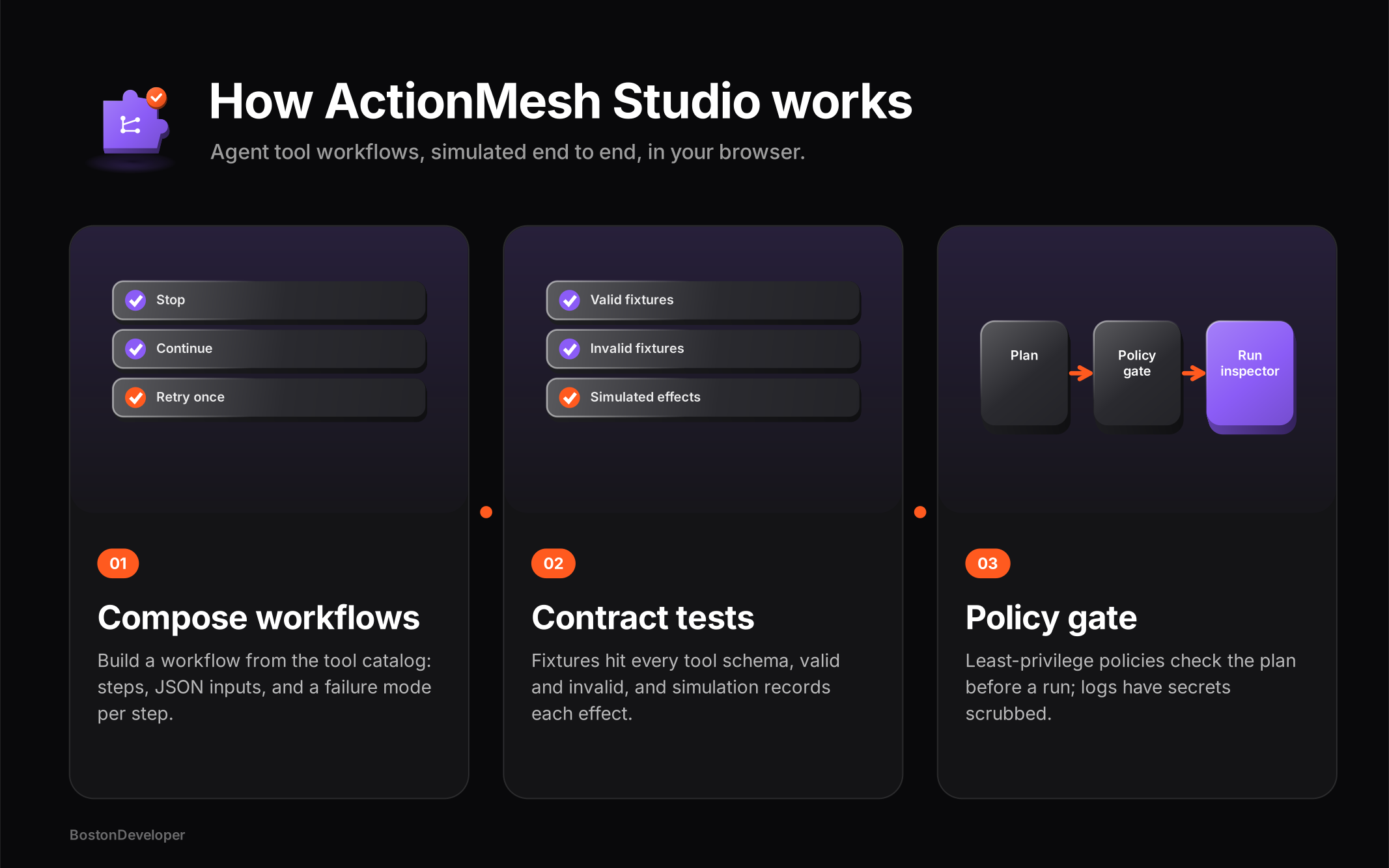
Pick tools in the catalog
Search by name or filter by risk level. Every action shows whether it reads, writes, or destroys, with its input schema attached.
Compose a workflow
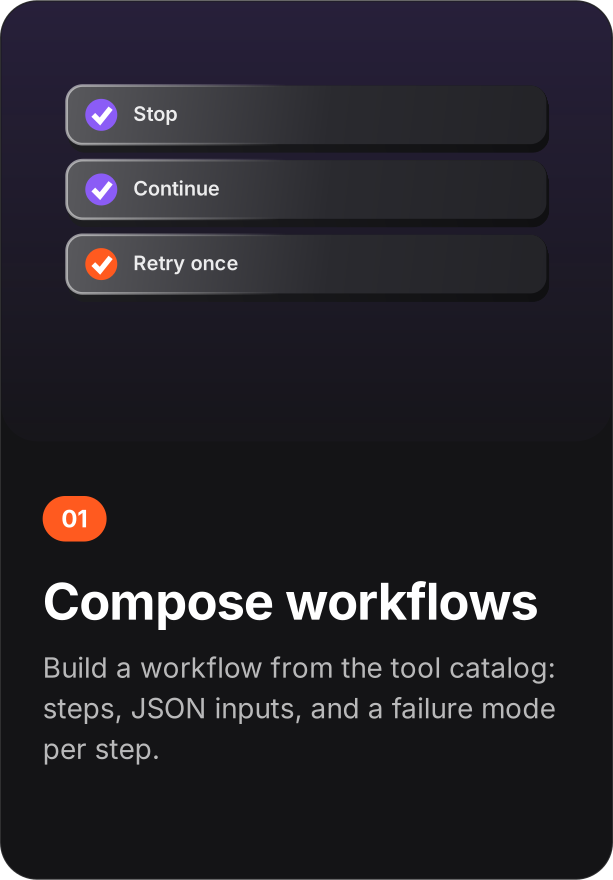
Add steps in the builder: a tool, its input JSON, and a failure mode - stop the workflow, continue, or retry once.
Test and simulate
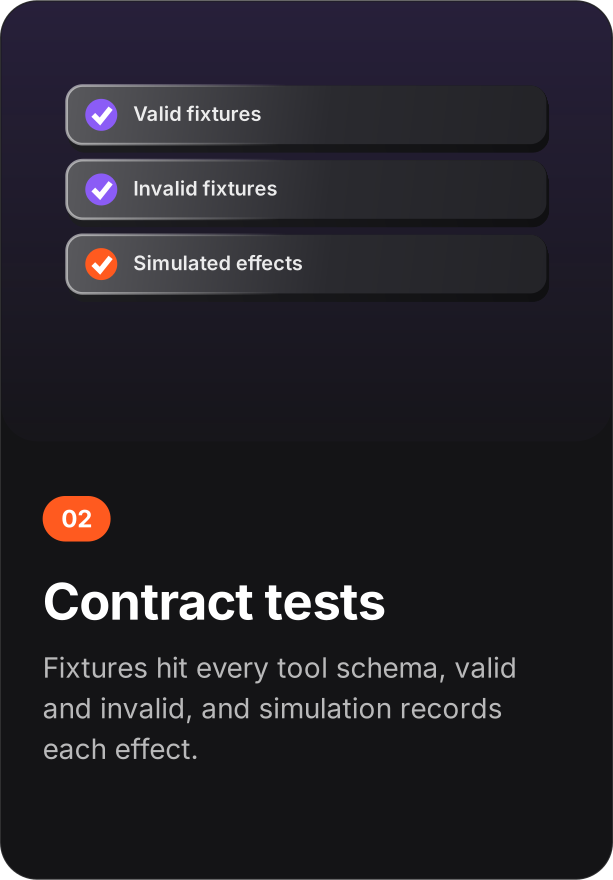
Add contract tests with fixtures, run the suite, then simulate the workflow. The run inspector shows every effect that would have happened.
Evaluate policies
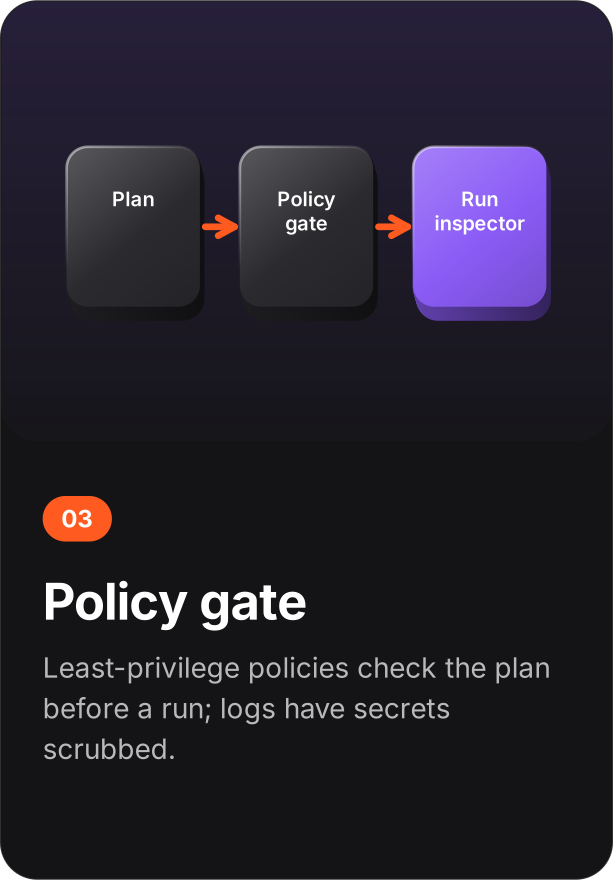
Define least-privilege policies and evaluate the workflow against them. Fix what fails; the evaluation names the step and the rule.
Concepts
Tool - one action inside a toolkit, with a risk level and an input schema. Workflow - an ordered list of steps, each with a tool, input JSON, and a failure mode. Environment - a named scope: simulation, or production-locked with a toolkit allowlist. Connection record - a claim that a toolkit account was connected outside the studio, with an expiry. No token is involved. Contract test - a fixture payload plus an expected result (valid or invalid) for one tool. Policy - a maximum risk level, allowed toolkits, a step budget, and an approval requirement. Run - one simulated execution of the current workflow, recorded as a structured trace.
Catalog and builder
The catalog covers everyday toolkits - Gmail, Calendar, Slack, Drive, and more - with actions spanning all three risk levels. The builder composes steps against an active environment. Templates instantiate common flows (daily issue triage, for example) that you can edit before simulating. The approvals inbox holds steps waiting for a human decision.
Risk levels
Three levels, displayed everywhere a tool appears:
| Level | Meaning | Gate |
|---|---|---|
| Read | Retrieves data, changes nothing | None beyond policy |
| Write | Creates or modifies data | Can require per-step approval |
| Destructive | Deletes or irreversibly changes data | Cannot simulate without per-step approval |
Environments
An environment has a name, a mode, and an allowed-toolkits list. Simulation mode runs anything the policies allow. Production-locked mode constrains runs to the listed toolkits - the same discipline a real agent platform enforces with deployment scopes. The builder's active-environment selector decides which scope the current workflow composes against.
Connections
Connections are records, not credentials. You confirm that a toolkit account was connected outside the studio; the studio stores the claim and its expiry, never a token. Exact rule: a workflow step will not simulate until the toolkit it uses has an active, unexpired connection record. A blocked run still writes a trace, so the block is visible in the inspector. Records can be re-confirmed (renewing the expiry) or removed.
Tests and triggers
A contract test pairs a tool with a fixture JSON and an expectation - valid or invalid. Run suite evaluates every test and reports mismatches with the tool named. Starter tests seed a sensible suite in one click.
Triggers are local subscriptions against three event types: Gmail new message, Calendar event starting, Slack mention. Filter and event must both be valid JSON; the sample event is evaluated against the filter locally. Nothing subscribes to a real source.
Schedules
A schedule re-runs the current workflow on a cadence: every day, weekdays (Monday-Friday), or weekly on a chosen day, at a set time. A next-fire preview shows when it would run. Schedules pause and resume. Nothing runs while the tab is closed - the "Check for due runs" button catches up on what would have fired, and each catch-up writes a real trace in the run inspector.
Policies
A policy has four fields: allowed risk (Read only, Read + write, or all including destructive), allowed toolkits, maximum steps (1-50), and whether writes require per-step approval. Evaluate workflow runs the current plan against every saved policy and reports exactly which step violates which rule. A least-privilege starter (Gmail and Calendar, maximum 5 steps, approval required) seeds in one click.
Run inspector
Every simulated run produces a structured trace: each step, its tool, the effect it would have had, approvals, retries, and failures. Inputs matching the names token, password, secret, or key are scrubbed before the trace is written. Run stats aggregate across traces so repeated failures surface.
Data formats
The whole workspace - workflows, environments, connections, tests, triggers, schedules, policies, and run traces - exports as a single JSON file from the trust view. Import restores it exactly. There is no partial export and no server-side copy.
Privacy
No analytics, no session recording, no third-party pixels. The only network requests are fonts and the static files of the site itself. Deleting the workspace from the trust view is immediate and total, because the data only ever existed in your browser.